

iFLYTEK AINOTE Air 2 Bundle – Black Folio Case, 8.2-inch AI Note-Taking Tablet Writing Paper Tablets, Digital Notebook with Pen, Voice-to-Text Transcription, Multi-Languages Chatgpt Support
$113.99
Related Products

![Sony PlayStation 5 Pro 4TB Digital Edition Fortnite Cobalt Star Bundle with Controller Case – White – Upgraded 4TB Ultra Fast SSD Double the Storage Space PS5 Pro [playstation_5] [video game] [video game] [video game]](https://hometech360.co/wp-content/uploads/2025/11/61ZysMBm2wL._SL1500_.jpg)






Product description


1 Paperlike Writing
2 Multilingual Transcribe
3 Seamless Cloud sync
4 Eye-friendly Reading
5 Schedule management


1 Multilingual Professional
2 Lawyer
3 Content Creator
4 Businesspeople


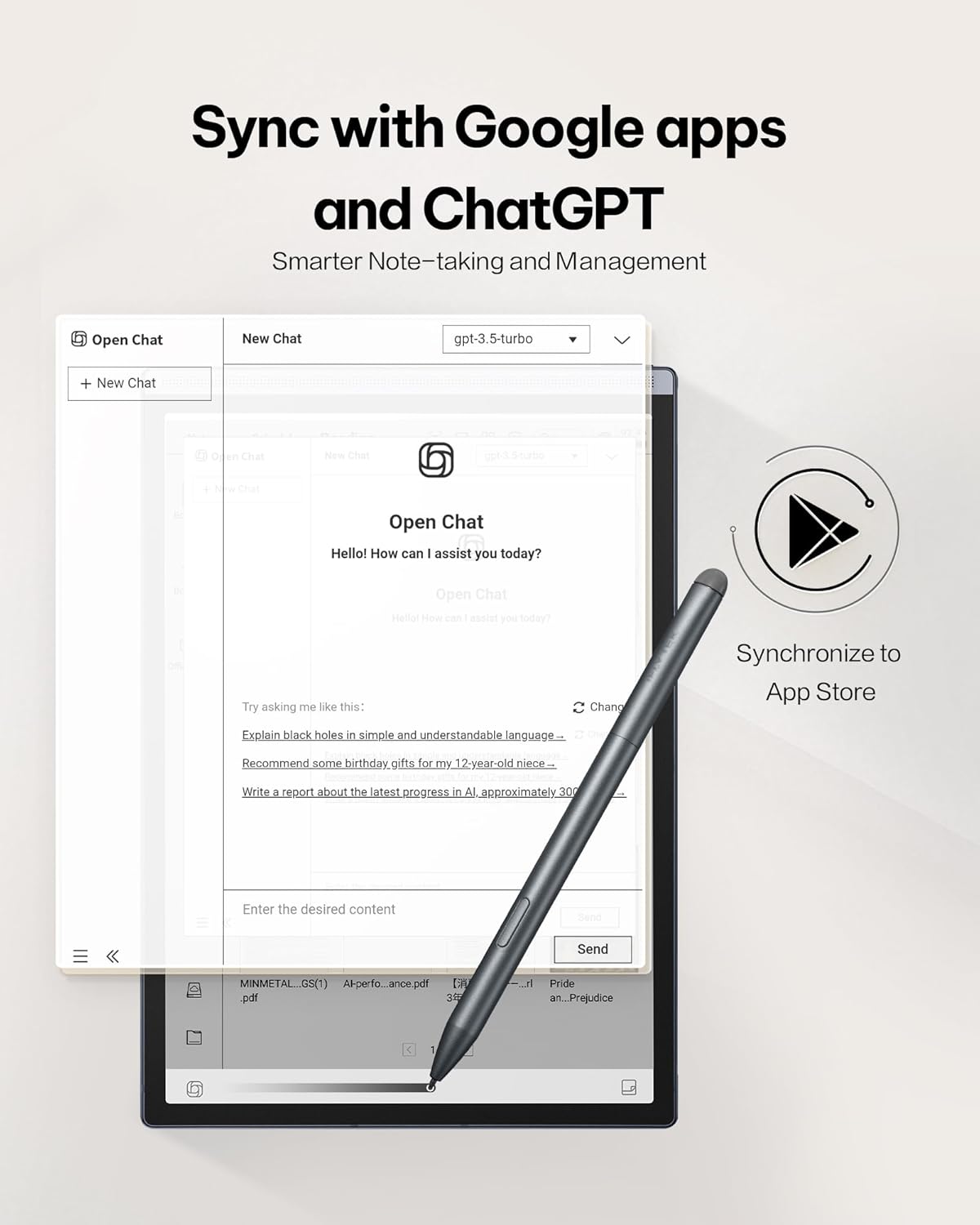
How to call ChatGPT?
The version has been upgraded, you no longer need to enter an APl key, simply start up to access ChatGPT for free.
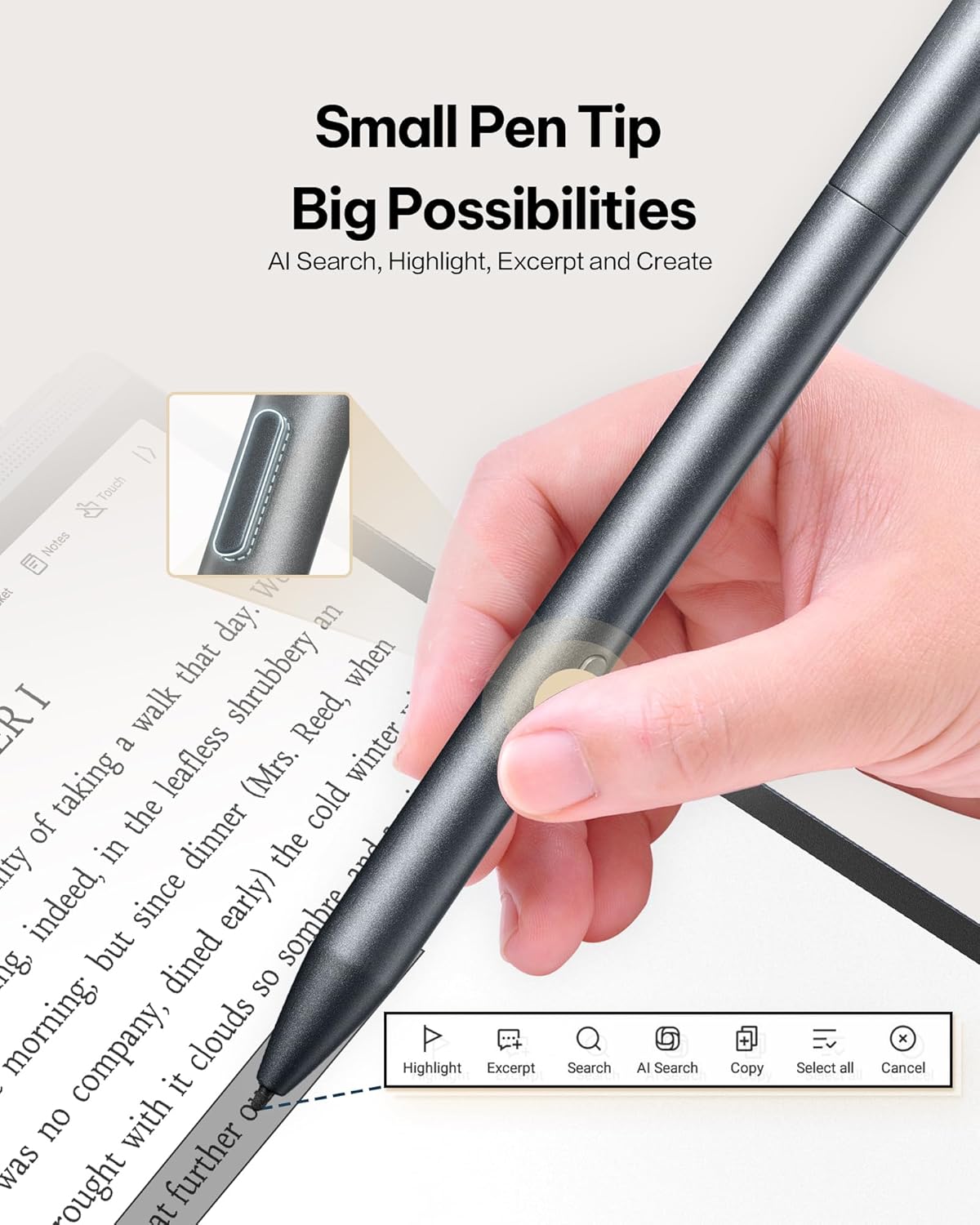
It will help you generate Al meeting notes, engage in intelligent Q&A, and perform Al searches.
How to deal with the delays?
Please stay updated on product version upgrades. We have recently released a new version with improved startup speed, keyboard input, and page transitions for a smoother experience.
Where can I watch the user guide video ?
On Amazon, below the product title, visit the brand store and locate the AINOTE Air 2 page to find tutorial videos in the “How to Use” section.
Does this AlNOTE Air2 supports app downloads?
Yes, Two methods are available for app downloads:
Method 1: Download APKPure from the application market to install apps via APKPure
Method 2: Google Play integrated. After completing the certification as quided, you can download the apps needed.
How do l report an issue during use?
You can reach us in three ways:
1.Find the Amazon “Contact Seller” option.
2.Refer to the user manual for our official support email.
2.Share your feedback directly through the device.
【8.2″ AI Note-Taking & Summary Tablet】 iFLYTEK AINOTE Air 2 — an ultra-slim 8.2-inch digital notebook with real-time speech-to-text, multilingual translation, and ChatGPT-powered meeting summaries. Ideal for meetings, healthcare, and lectures.
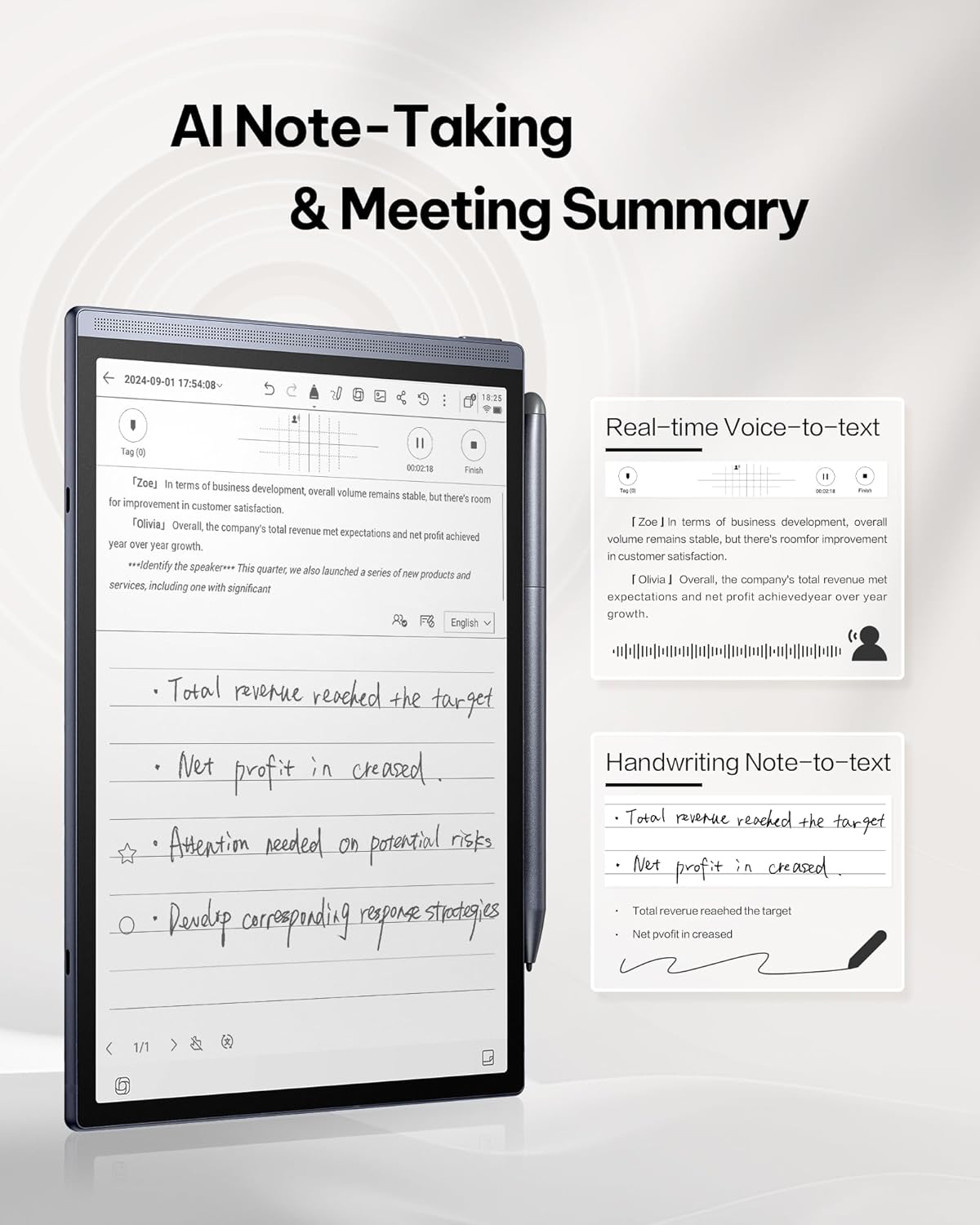
【Multilingual Speech Transcription】 Instantly transcribes 15 languages (EN/ES/CN/FR/VN/SA/KR/RU/DE/JP/HK/TH/HU/ID/MY) and converts handwritten notes into 85 languages — a true global productivity tool for business professionals, doctors, and students.
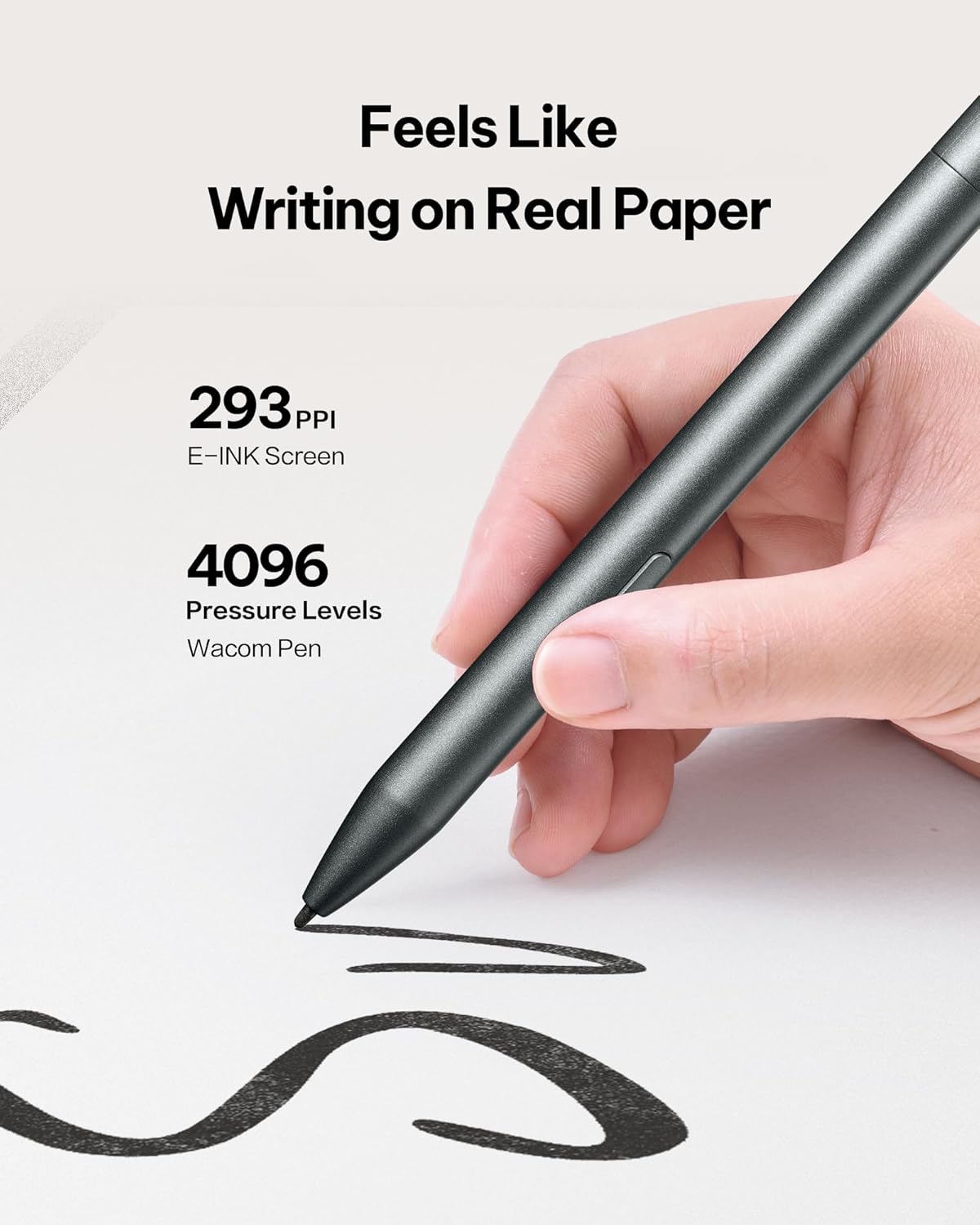
【Paper-Like Writing Experience】 4,096 pressure levels and near-zero latency on an 8.2-inch E Ink screen replicate natural handwriting, making it comfortable for long writing sessions.
【AI Notetaker & Smart Planner】 Generates to-do lists and manages schedules automatically with intuitive AI features, turning your notes into actionable plans.
【Eye-Friendly Reading】 E Ink display with dual-color adjustable reading light for comfortable viewing in any environment — perfect for reading PDFs, eBooks, and reference documents.
【Long Battery Life & Large Storage】 2600mAh battery provides days of continuous use. 32GB storage plus unlimited cloud backup ensures you never run out of space.
【Ultra-Slim & Lightweight】 Only 5mm thick and 230g, this compact 8.2-inch tablet fits easily into any bag — ideal for executives, academics, and creatives on the go.
【Secure Cloud Backup】 Triple-layer encrypted synchronization ensures your notes and files are safely stored and accessible across devices.
【What’s in the Box】 8.2-inch E Ink tablet, black folio case (bundle version), USB-C cable, and quick start guide — ready to use right out of the box.
8 reviews for iFLYTEK AINOTE Air 2 Bundle – Black Folio Case, 8.2-inch AI Note-Taking Tablet Writing Paper Tablets, Digital Notebook with Pen, Voice-to-Text Transcription, Multi-Languages Chatgpt Support
Add a review

$113.99
Jose viera –
Love it!!
I have been using this thing every day for the pasts weeksThe writing feeling is great, I have been using it mostly to do 20 minutes sketches and tho this particular table is not made for drawing, it still feels great to draw onI have been using it mostly with the backlight off, so the battery has lasted a looong time.What I like the most is its size, is very portable and comfortable to holdThe pen is great, works just as you can expect itThe note taking parts is where this thing shines, it has all kind of templates, from note taking, music sheets, math to other one that I don’t know what they would be forYou can install google apps but you have to do a bit of a set up first, takes in all about 15 minutesReading is great, since I got this thing I have had the longest reading streak this yearThis thing is a lot of fun, and it takes away all the distraction of other devices
Daniela –
Converts My Messy Handwriting with Ease
My handwriting is terrible, but this tablet handled it beautifully — the handwriting-to-text feature worked smoothly and converted my notes cleanly. I also write in multiple languages sometimes, and the device managed that effortlessly. The writing experience felt very natural, and I could see my strokes flow continuously on the screen. Setup and connectivity were easy, and the included folio case protects it nicely. A very strong pick if you want a smart digital notebook.
Hershel K. Gattis –
Not for me!
I did not like this device and am returning it tomorrow. It was way to expensive for what the use I had in mind for it. The ice breaker however was that I write in cursive and this machine did not translate that to English print at all. I did like the paper like feel of writing on the screen. However, for that price it should be a color screen.
NG –
Works well, needs some improvement
It’s a good tool. A little clunky to start but works well at recording and transcribing meetings in conjuction with the app.
Nk –
Highly recommend for students, professionals, or anyone who loves writing tech.
The writing feels just like real paper, and the stylus is super smooth. The voice-to-text transcription works flawlessly, even with my accent. I use it for meetings and lectures, and it syncs everything perfectly. Easily the best digital notebook. Battery life is strong, and the folio case makes it feel premium and professional. Portable, easy to carry. Screen resolution is great. Speed is good as well.
L –
digital notebook
This digital notebook makes note taking easier. The handwriting feels natural, and the voice-to-text transcription is fast and accurate, even in different languages. I love the sleek design, lightweight feel, and responsive pen. With ChatGPT integration and the included case its amazing for those that want organized digital notes.
Mike Sommer III –
Does it all.
I was tired of writing notes in my notebook and getting so far ahead that I’ve forgotten to do some things I’ve noted. This little guy does it all. It has ai built in. It copies documents via the camera on the back. The case it came with is also a nice touch. Well worth the extra costs as it shuts the screen down once you cover it. It also has a built in pen holder so you dont have to worry while carrying it around it the pen will stay attached.. which I haven’t had any issues with either. The screen brightness is easily adjustable. Connecting to wifi was as simple as any other product. Writing, erasing is very intuitive just like using a pencil. So far everything works great. I am able to separate notes and sheets within notes and create tasks based on notes. Everything I could need is here.Also it continually looks for updates, so whenever an update gets put out it asks to push it to the screen.
Hutton –
Perfect size and great for meetings
I have been looking for a device to take to client meetings, use in the field, etc. After reading some of the reviews on this product I was skeptical but after using it I am very pleased. I have to say it feels like you’re writing on paper and the eraser feature feels very natural. I have yet to truly explore the AI capabilities but so far I’m very impressed with all the note taking, scheduling and PDF features it has packed into such a small package. I was expecting it to be larger but honestly I like the smaller size because it’s works perfect as a replacement for my standard notepads I used to carry a round.