
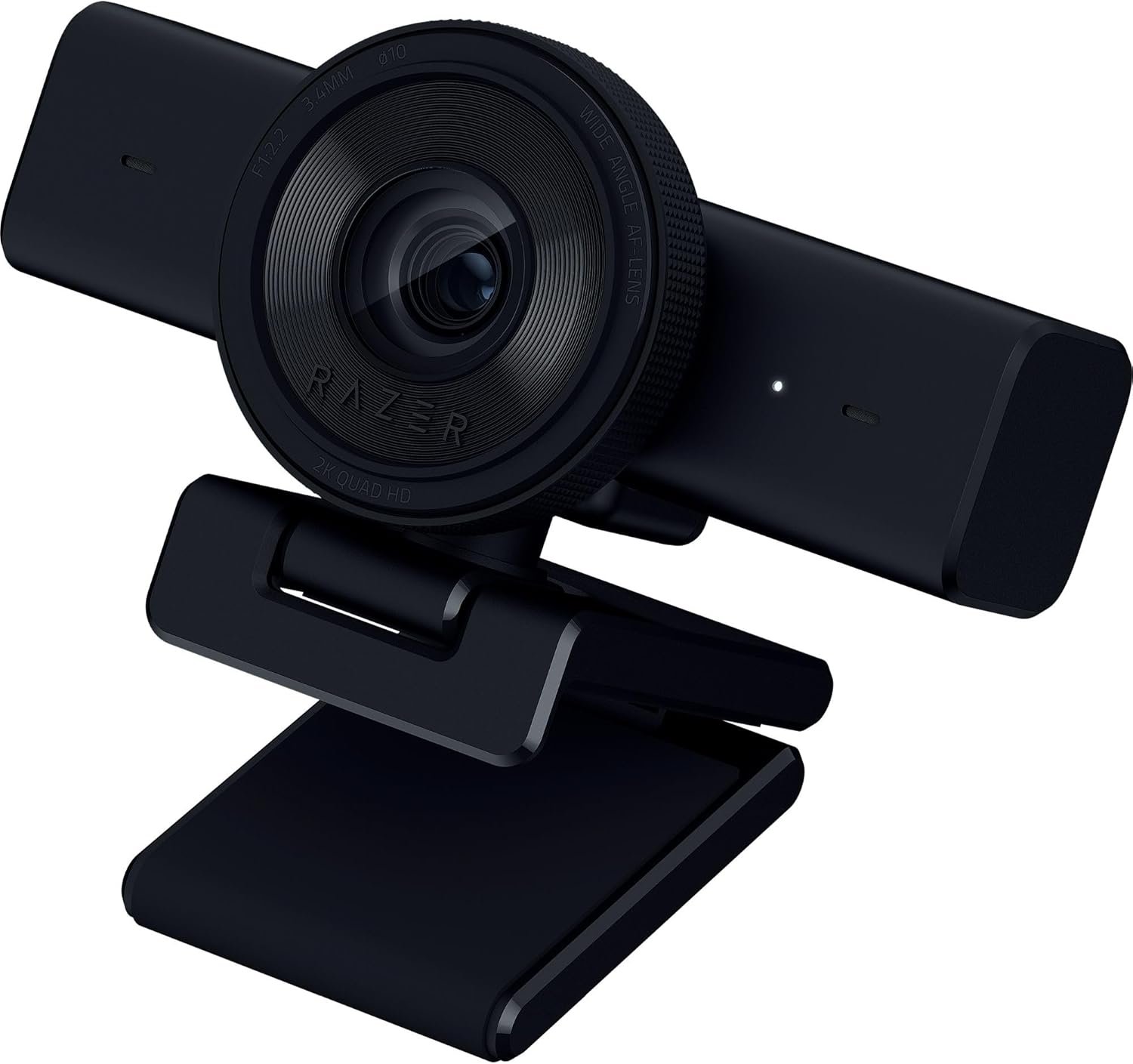
Razer Kiyo V2 X Streaming Webcam: 1440p 60 FPS – Auto Focus – Built-in Microphone – Wide Angle Lense – Integrated Privacy Shutter – Works with OBS, Xsplit, Streamlabs, Discord, Zoom, Teams – Black
$9.99
Related Products



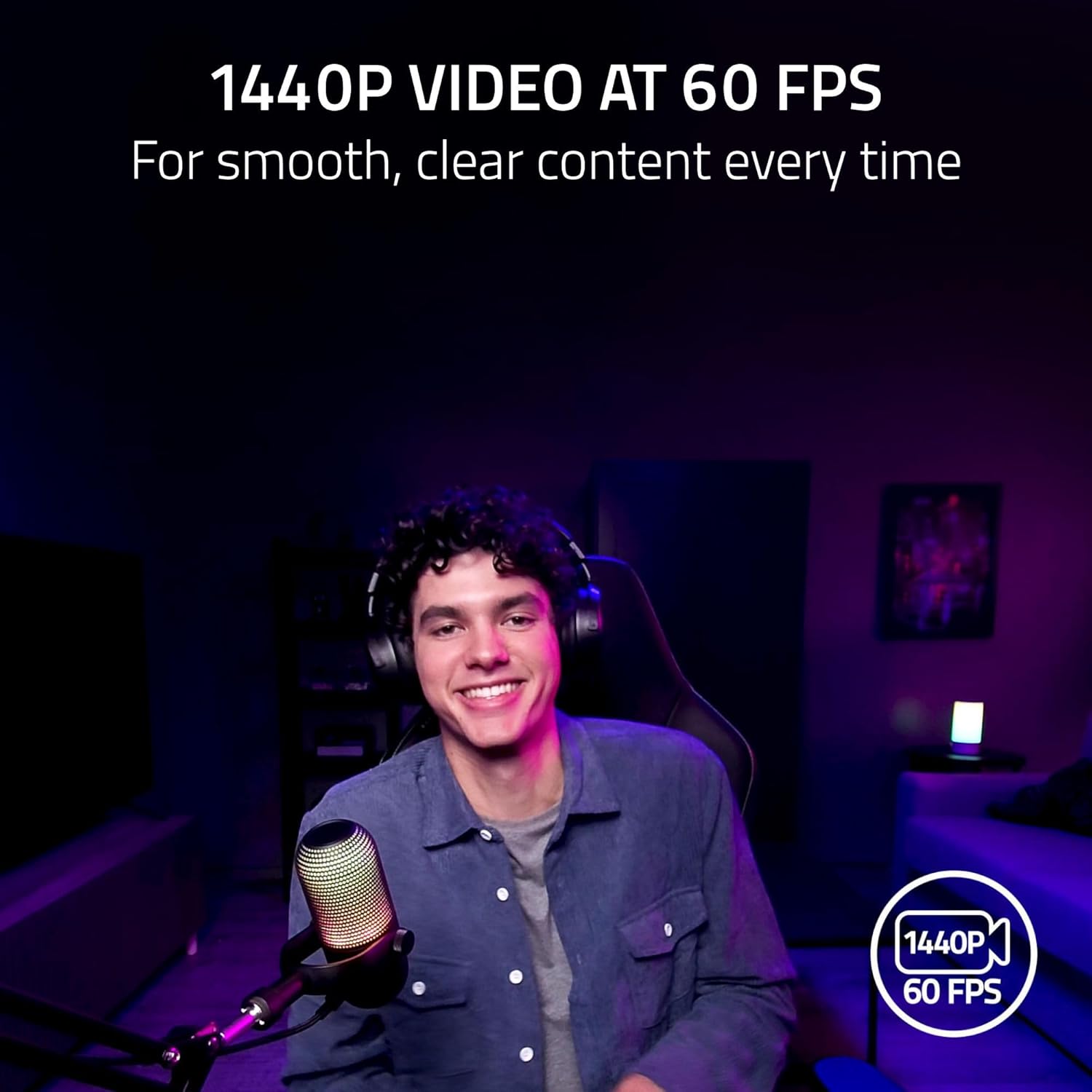




Upgrade your streaming setup with the Razer Kiyo V2 X—an easy-to-use QHD 1440p 60FPS webcam designed for smooth, high-quality video. Whether you’re gaming, attending virtual meetings, or creating content, this USB webcam delivers sharp, clear visuals with natural motion. Featuring fast and accurate auto-focus, it keeps you in sharp detail during dynamic moments. Customize your video settings effortlessly with Razer Synapse software—adjust brightness, contrast, sharpness, and more, or use built-in image presets to get started fast. The wide-angle lens offers flexible framing to capture more of your background or setup, while the integrated microphone delivers clear, crisp audio. With a plug-and-play setup, integrated privacy shutter, and adjustable mount for perfect angles, the Razer Kiyo V2 X is the ideal webcam for streamers, gamers, professionals working from home, and content creators. Compatible with Zoom, Microsoft Teams, OBS, and all major platforms, it’s your all-in-one solution for professional video and audio performance.
1440P 60 FPS VIDEO — From intense gaming sessions to casual chats, be set to impress with smooth, natural movement and clarity that will wow everyone watching
FAST, ACCURATE AUTO FOCUS — Always stay in the moment and look sharp whether it’s a clutch play or an exciting unboxing
QUICK, EASY SOFTWARE CUSTOMIZATION — Kickstart any stream with intuitive presets or fine-tune every detail with precise color and lighting adjustments using Razer Synapse
WIDE ANGLE LENSE — Whether zooming out to show off a full setup or getting up close and personal with viewers, a wide-angle lens offers ultimate flexibility
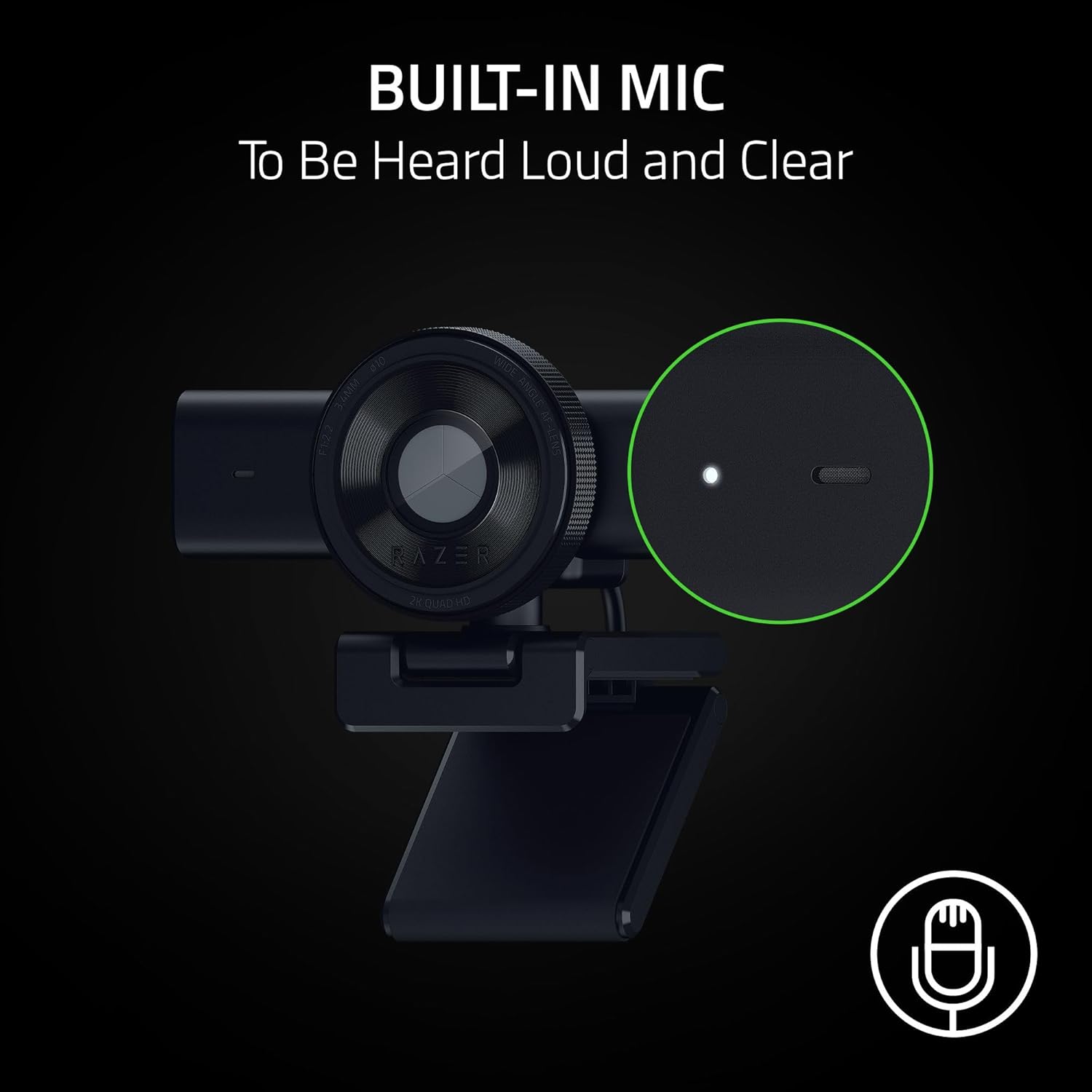
BUILT-IN MIC — With crystal-clear audio and sharp, smooth video, have everything needed to start creating or streaming in one convenient package
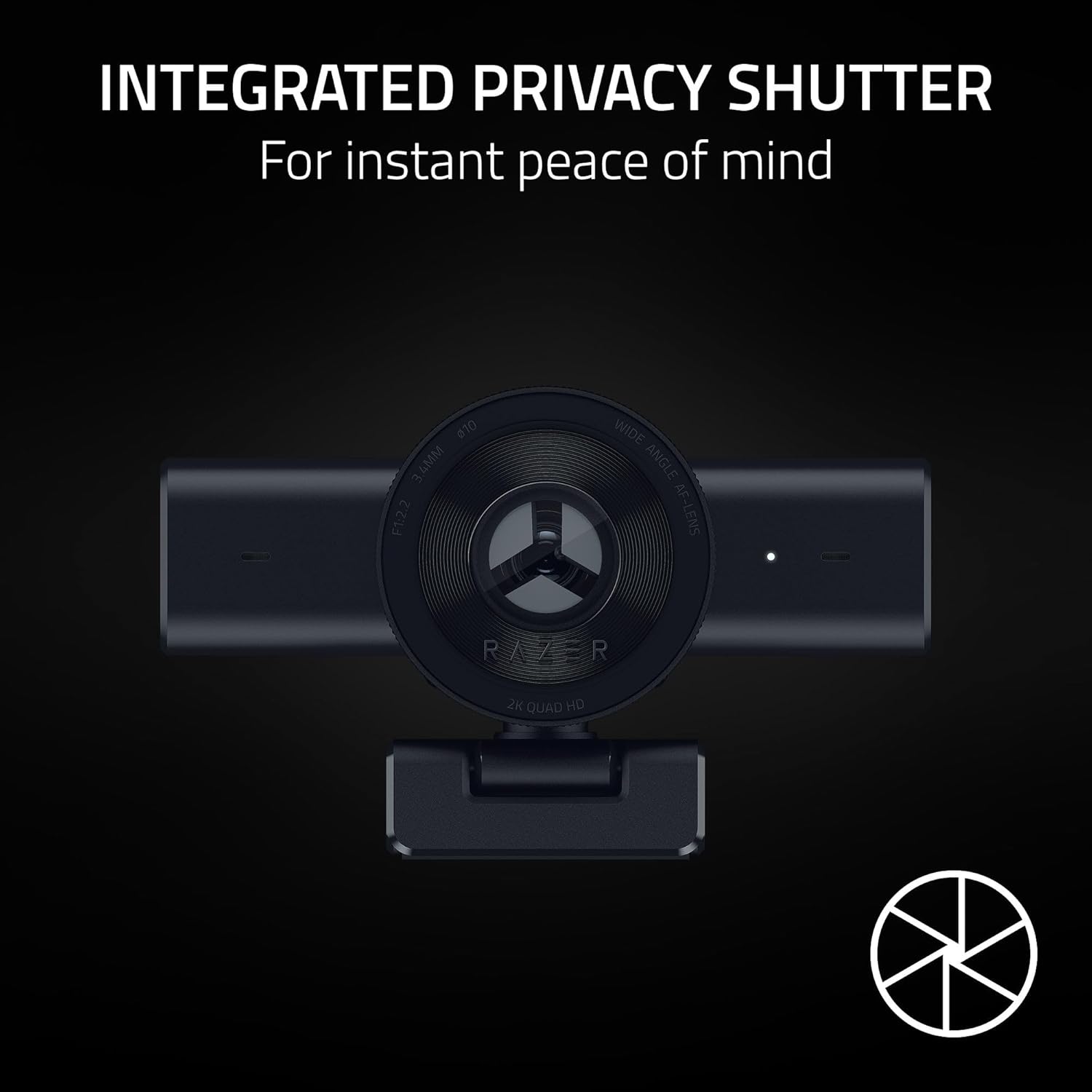
INTEGRATED PRIVACY SHUTTER — Whether wrapping up a stream or stepping away for a short break, conveniently cover the lens with a quick twist to ensure instant privacy
UNIVERSAL PIVOTING MOUNT — Tilt and swivel the mount to find the perfect angle on a monitor, or fix it to a tripod via its built-in thread to achieve a higher or lower angle shot
4 reviews for Razer Kiyo V2 X Streaming Webcam: 1440p 60 FPS – Auto Focus – Built-in Microphone – Wide Angle Lense – Integrated Privacy Shutter – Works with OBS, Xsplit, Streamlabs, Discord, Zoom, Teams – Black
Add a review

$9.99
Dave N –
Its good for what it is sold for.
Blurring image quality. Razer Synapse 4 will not detect the device no matter what so I cannot change setting that causes the blur.Edit: Support help me figure out the issue and quick to response
Chase Johnson –
Synapse 4 app required
It took me so long to be able to review this webcam. The first couple weeks of me having this it would not be detected at all in razer synapse. I did not know that you needed the new synapse 4 software for it to even be detected, Why? it makes no sense that it would not work on synapse 3. I never got any information on it requiring synapse 4 in the manual as far as I could tell either.Let me be honest though, the picture quality without using the synapse app is very poor. It automatically turns on some settings that make your picture look very blurry. I hate that you need to use the bloated synapse 4 app to even turn this stuff off. After turning those settings off it does get better. Though I would not recommend using the auto focus because even that does not work well.Let me talk about the microphone on it now. It is absolutely pointless and I can never see myself using it. You sound so quiet when using it that no one can hear you.I’m still going to be rating it 3 stars because its not horrible and is definitely usable but only once you install the synapse 4 app.
Frank –
Solid Webcam for Clear, Smooth Streaming
I picked up the Razer Kiyo V2 X to replace my older webcam for both gaming streams and my work calls. For me, the 1440p at 60 FPS was the deciding factor—it gives a much smoother, crisper look than the old 30 FPS cameras, which is key when you’re showing gameplay on your rig.The video quality is excellent, especially with my usual lighting setup. The Autofocus works well, quickly locking onto my face even when I shift around in my chair, and it saves me from fiddling with manual settings. I also appreciate the simplicity of the design; it’s a solid, heavy-duty build that sits securely on my monitor and has a standard tripod thread on the bottom, which is great since I have a separate tripod for overhead shots.The integrated privacy shutter is my favorite physical feature—you just twist the lens ring to cover the camera. It’s a simple, mechanical solution that gives immediate peace of mind. While the built-in microphone is fine for a quick Zoom call, I stick to my dedicated mic for streaming, which is standard for any serious gaming setup. It was truly plug-and-play and worked instantly with OBS and Discord.Pros:Sharp 1440p resolution at a fluid 60 FPSIntegrated privacy shutter is quick and secureFast Autofocus holds focus even with movementPlug-and-play compatibility with all major streaming apps (OBS, Discord, Zoom)Standard tripod thread for flexible mountingCons:The integrated microphone is basic (expected for a gaming webcam)The cord is attached, not detachableOverall, this is a great mid-range webcam that delivers high-end performance where it matters most: smooth, crisp video. It’s a noticeable step up for anyone looking to seriously upgrade their streaming visual quality.
Amazon Customer –
Not as compatible with a Mac as indicated…
Although this webcam indicates it’s compatible with Macs, modern MacBooks do not have any USB-A ports and the instructions indicate that it should not be used with a hub or adapter, lest performance be diminished. I tried to connect it to my MacBook Pro M3 with a USB-C to A adapter anyway, but my laptop didn’t recognize it at all. I have a desktop setup with a docking station that I use to switch between my work and personal computers, so connecting directly to any one of the computers isn’t ideal for my setup in that circumstance, either. I connected it to to a USB hub connected to my docking station anyway and it functioned well on my work computer using WebEx. The camera does have a wider angle than my old webcam, which was a Logitech that I don’t recall the model of but which came highly recommended for streaming about a decade ago. I like that this one has a built in privacy screen so I don’t have to buy any accessories for that purpose. I haven’t tested it for streaming since I mostly use my MacBook for that purpose. I will dig out my USB-A to C hub that I use with my MacBook for other peripherals next time I stream and see if it works that way, but with the simple adapter I use for lots of different things it was recognized neither by PhotoBooth or StreamLabs.Update: Used this with my MacBook while plugged into my docking station and it seemed to work fine despite the fact that it wasn’t a direct connection. I had this camera plugged into a USB hub that was in turn plugged into my docking station which I then connected my laptop to. We streamed for a few hours to Twitch using StreamLabs and didn’t have any issues that were related to the camera. We even used it as a mic when my wife and I had an echo because our headsets were picking up each others’ voices, and it worked very well for that according to our single viewer. I have also been using this for work calls through WebEx, connected via the same docking station setup but to a Windows laptop, and have not had any issues there. Because the angle is so wide it does make me appear smaller on the screen and I use a backdrop on work calls to hide my messy house, so it seems like I got smaller compared to when I was using my old Logitech camera. Not mad about it, just thought it was worth mentioning. I really like the built in privacy shutter, it has a very satisfying feel to it when you open or close it.