

Logitech G Pro Wireless Gaming Mouse with Esports Grade Performance
$11.99
Related Products


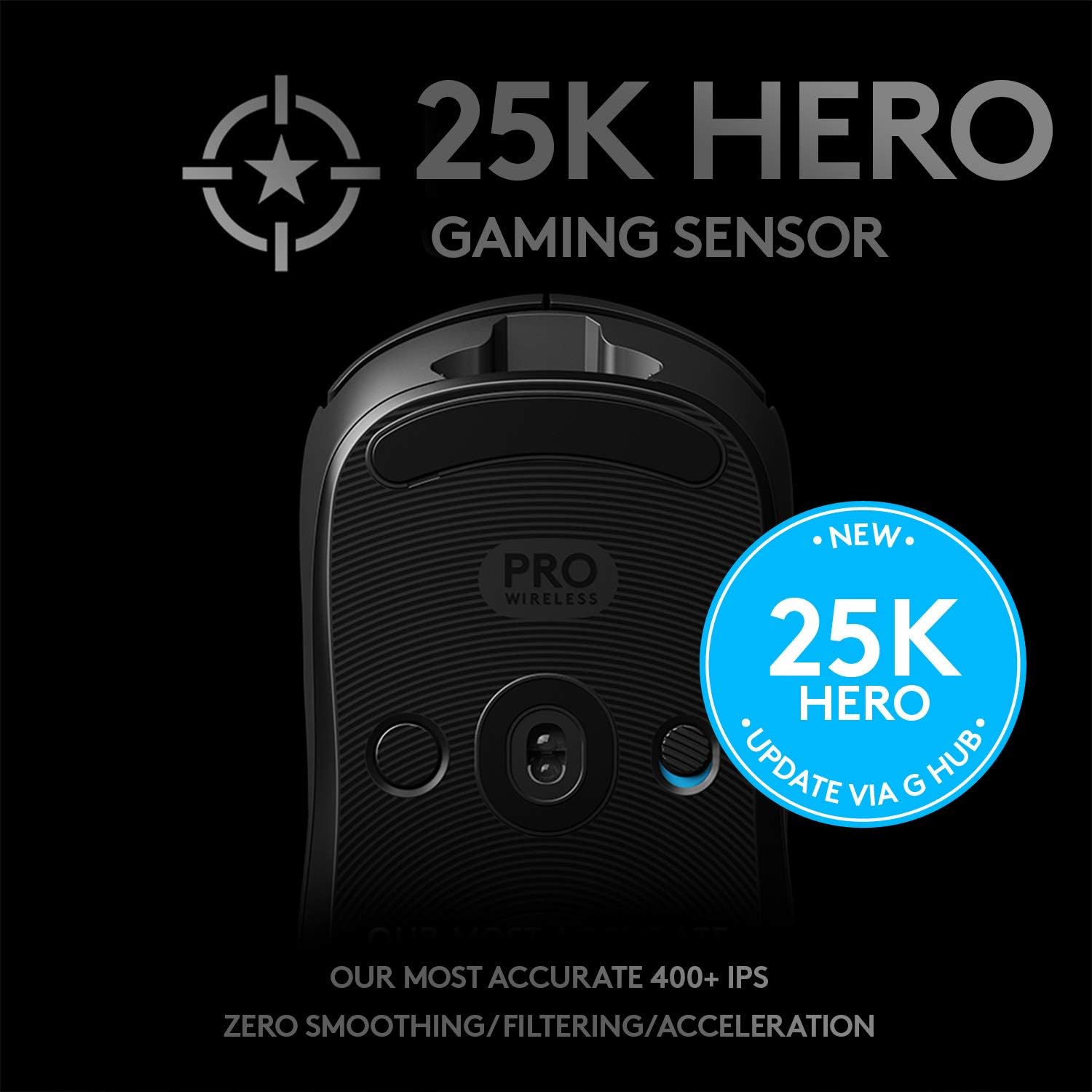
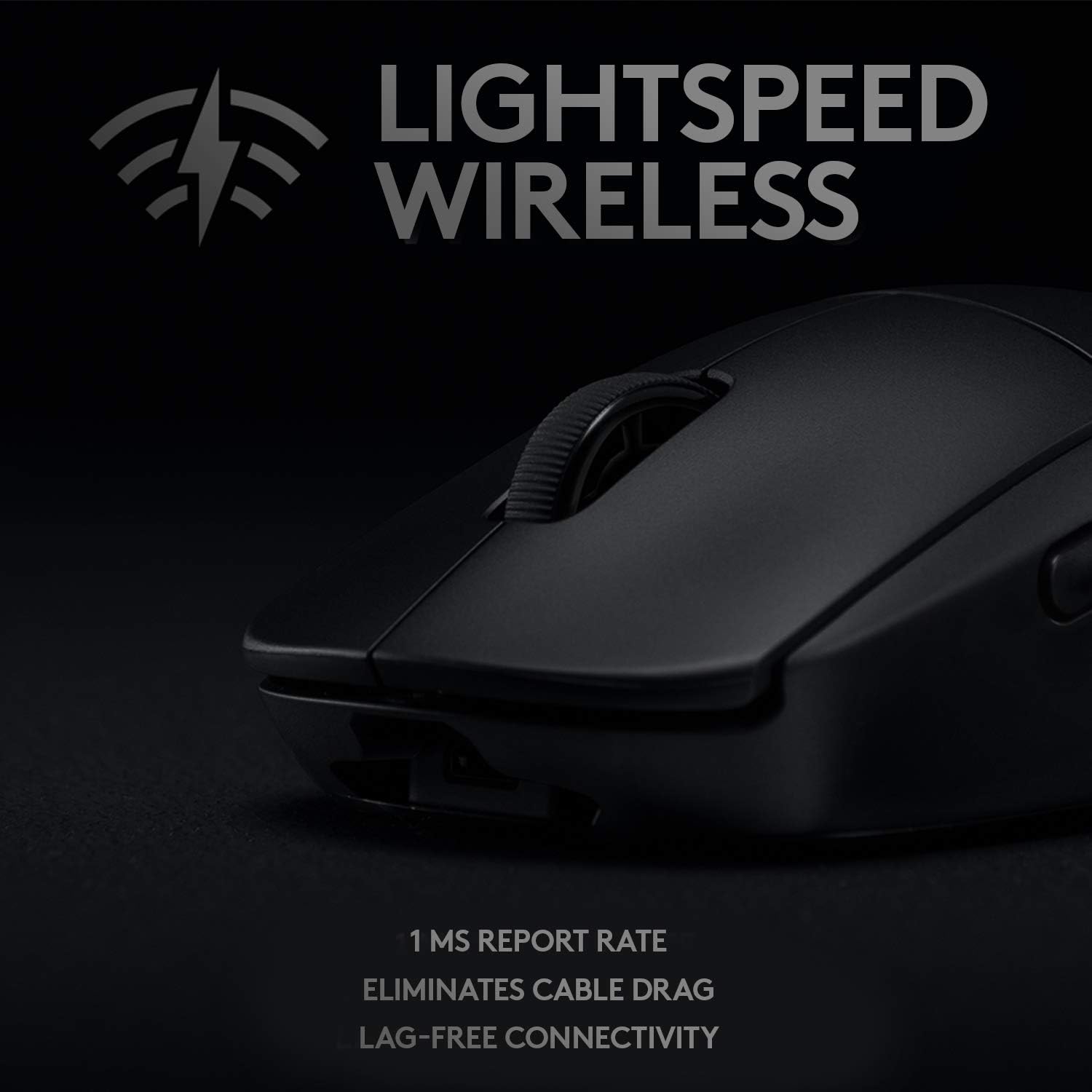

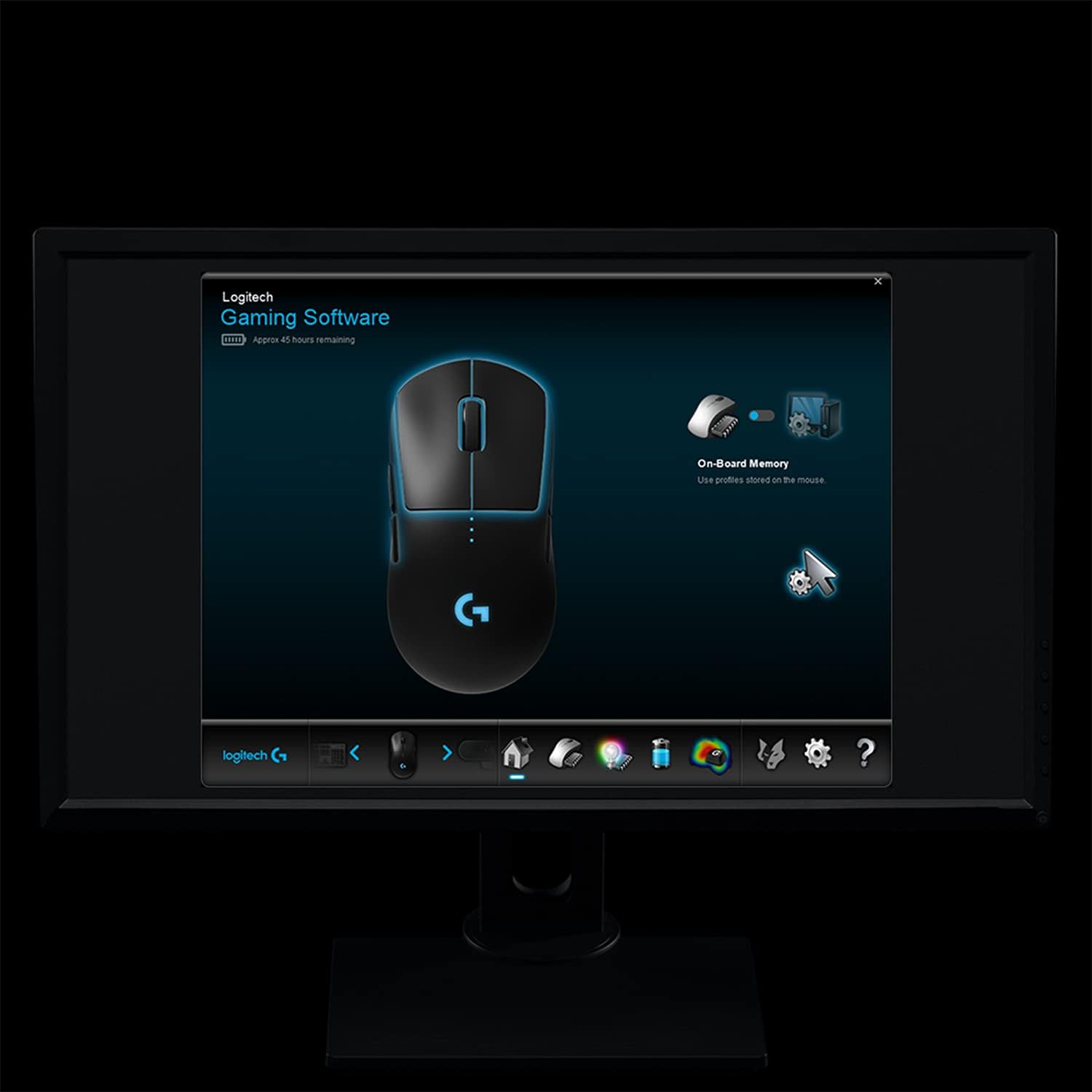
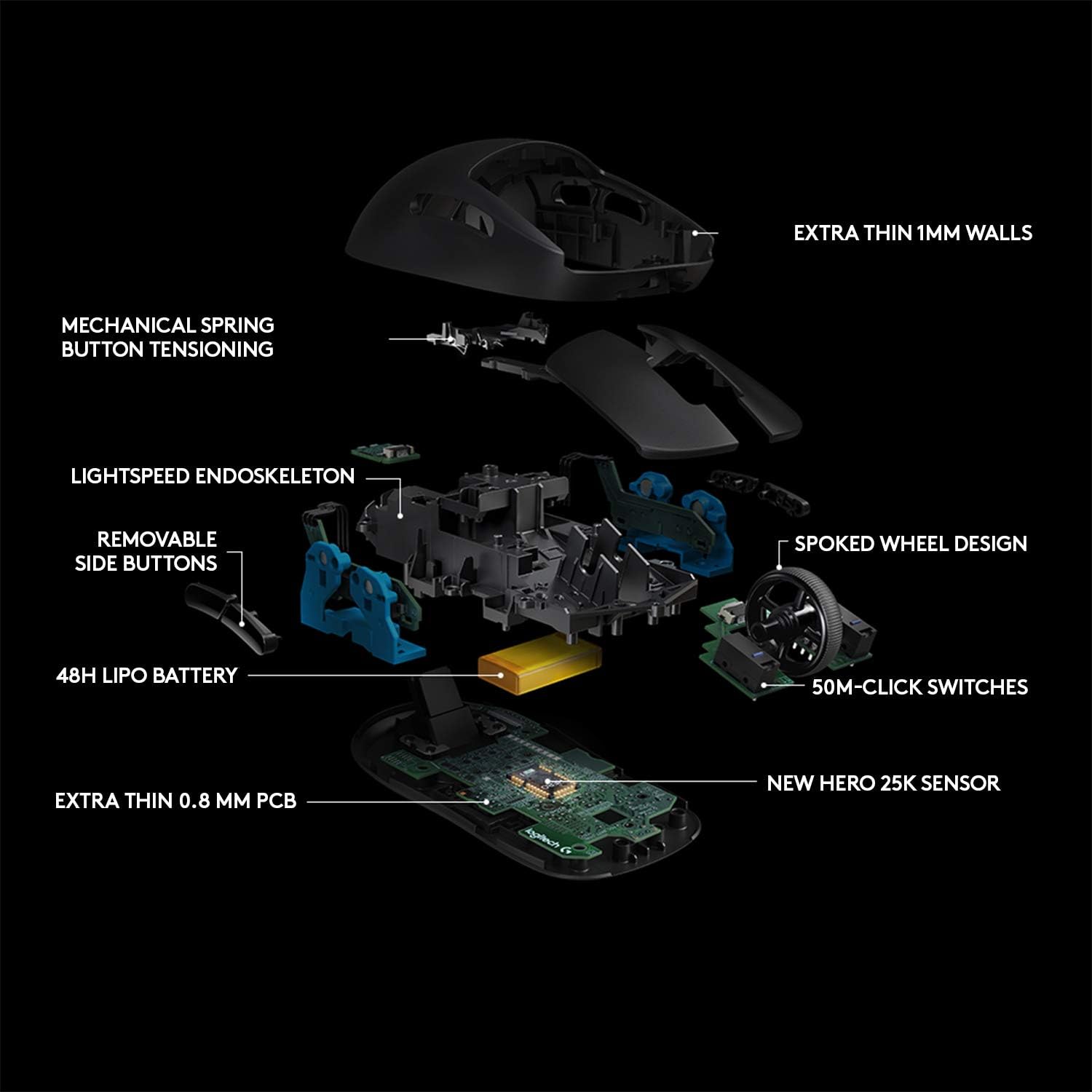

Designed over two years with direct input from many professional esports players, Logitech G PRO Wireless Gaming Mouse is built to the exacting standards of some of the world’s top esports professionals. PRO Wireless gaming mouse is purpose built for extreme performance and includes the latest and most advanced technologies available. Featuring Lightspeed technology, PRO Wireless overcomes the limitations of latency, connectivity and power to provide rock solid and super-fast 1 mms report rate connection. PRO Wireless gaming mouse is also equipped with the next generation version of the HERO sensor. HERO 16K is the highest performing and most power efficient gaming sensor that Logitech has ever made for pixel precise targeting in fps and mob games. An incredibly lightweight endoskeleton and ergonomic design improve maneuverability and comfort while removable side buttons and programmable LIGHTSYNC RGB lighting give you the ultimate in mouse customization.
Made with and for Pro Gamers: G Pro Wireless Gaming Mouse is the result of two years of work with professional esports gamers, combing advanced technologies in an ultra-lightweight design
Light-speed Wireless: Pro grade performance overcomes the traditional limitations of wireless latency, connectivity and power to deliver a rock solid, super-fast 1 millisecond report rate connection
Hero 25K sensor through a software update from G HUB, this upgrade is free to all players: Logitech’s most accurate sensor yet with up to 25,600 DPI and 10X the power efficiency of previous generation for the ultimate in wireless gaming speed, accuracy and responsiveness. Microprocessor: 32-bit ARM
Ultra-lightweight: Innovative endoskeleton design creates a super-thin yet incredibly strong outer shell, enabling the body to weigh in at a remarkably light and maneuverable 80 grams.
Ergonomic ambidextrous design: Tournament ready mouse developed with Esports pros for maximum comfort, control and 50 million click durability. Four removable side buttons for supreme customization. Cable length: 1.80 meters
Note: Kindly refer user guide before use. Requirements-Windows 7 or later, macOS 10.11 or later, Chrome OS
1 year hardware limited warranty
Max. acceleration: >1.41 oz (40 g) . Tested on Logitech G240 Gaming Mouse Pad
Note: In case of Wireless mouse, the USB receiver will be provided inside or along with the mouse

J4y_3l3cT –
I’m Impressed TBH
Logitech has done an outstanding job manufacturing a wireless competitive gaming mouse. I personally will never be sold on the idea of a wireless mouse being better than a wired one just because of signal interference alone, this does not detract from the fact that this mouse is indeed a dam good mouse even for fast pace FPS shooters. I will try to go in order writing my review of this mouse from opening to playing with it.*Packaging*For a $150 mouse I expected more from the packaging however I do understand that maybe Logitech wanted to keep things simple. There is no wow factor here just a simple small box wrapped in plastic. Looking at it from the outside you wouldn’t be able to tell this thing costs$150.*Opening*So once I got into the box that looks as though the contents of it didn’t cost $150, I was once again taken aback. Reason being that the mouse was just sitting there unwrapped. The reason this kinda surprised me was because I had to make sure that I didn’t accidentally order a used mouse. Nothing against used electronics but I generally stay away from them because they could potentially have unseen underlying issues, however Amazon and their generous return policy has restored some of my confidence in buying them but I did not want to go that route with this mouse at this price point. The mouse did have tape on the underside once I lifted it from its cradle but again I did double check to make sure that it wasn’t a used product. I removed the tape from the underside and checked the mouse skates for any signs of scratches and everything was cool.*Package Contents*The package contained what you’d expect. The mouse, a wireless dongle, and a cord all wrapped and in good condition. One thing that concerned me that I wasn’t sure about was whether or not the buttons on the right side of the mouse were preinstalled and to my relief they weren’t. The reason I say this is because I prefer not to disassemble my electronics if I don’t have to, if you have to then you gotta do what you gotta do but I work in maintenance and repeatedly taking something apart and putting it back together causes excessive wear and damage and I’d prefer keeping my $150 mouse in pristine condition other than normal wear and tear.*The Mouse*The mouse itself felt great, it felt solid and sound. The shell was sturdy I’m a heavy handed individual and I was comfortable applying normal pressures from my hands to the mouse with fear or it being damaged or broken. The mouse slides gracefully across the mouse pad out of the box so you won’t encounter issues there, I would’ve preferred they used the mouse skates Razer has been using on their largest mice but it is what it is I ordered some Hyperglides to replace them.*Installation*So the mouse is plug & play, I already had G Hub installed and the software recognized the hardware no problem. I didn’t have to update any firmware or anything so that was cool I just plugged the dongle into the computer and turned the mouse on from the bottom and it was good to go.*The feels*So I have large hands and going into this I expected it to be small for my hands and I was correct. I use somewhat of a palm claw hybrid and I found that I had some empty space between my hand and the mouse itself which is kinda like a dead zone and could cause slop when making fast movements. Like I said I anticipated this going in so I can’t say I’m disappointed. The side buttons are nice as well as far as where they are positioned and how they feel when you press them, they’re very responsive. My only gripe would really be to move them back a little but I attribute that to the size of the mouse itself if the mouse was a little larger they’d naturally be further back. The button position in relation to the size of the mouse is fine and about where you’d expect them to be. The two main mouse buttons feel pretty good as well the clicks sound good and feel equally as good I had no double click issues or indications thereof. One thing to really look out for are people buying this product used from someone else who had the double click issue and sending it back then someone else buys the mouse again with the same problem and all of a sudden a lot of people end up sharing the same mouse with the same issue leaving the same review complaining about the same problem. I’ve encountered no double click issue so far. The weight of the mouse itself is great as well it feels really balanced not too light but not too heavy.*Tracking*So this is where the rubber meets the road, I wanted to test just how good this mouse is and if it’s as good as they say it is. I tried this thing out not in Microsoft word or nothing like that I went straight to Apex Legends and COD. I went into G Hub to check my configurations and much to my surprise I didn’t have to do anything another good thing about G Hub is that your settings apply universally to all Logitech mice so because I had profiles set up for one mouse they assumed it’d be the same for this one so that was a good surprise. The mouse tracked very well I have to admit I was impressed for a wireless mouse that didn’t fit my hands that well I performed amicably and even was champion a few games and I’m not one to argue with results. The mouse tracked even my most minute movements without skipping a beat.*Conclusion*I was on the fence about even picking up a wireless mouse because I wasn’t sure if the technology was really ready for competitive gaming but it has come a long way. My only real issue with wireless is the batteries, no matter how good the battery may be eventually it will wear out and turn your wireless mouse back into a wired one Logitech could circumvent this by making the battery removable but they’d sell less mice in doing so. Which leads me to the reason I chose Logitech over Razer because I’ve had to trash a wireless mouse once already in the past granted the technology back then isn’t what it was today. I’ll hold on to the mouse because I like it and it performs it will be the one in the arsenal. I’ve attached some photos of the mouse alongside some more other popular mice in the game for size comparison. Enjoy.
G –
Minecraft PVP Mouse Review: The Ultimate Tool for Precision (But Not for Everyone)
Minecraft PVP Mouse Review: The Ultimate Tool for Precision (But Not for Everyone)As a dedicated Minecraft PvPer, choosing the right mouse is crucial for performance—whether you’re normal clicking, jitter clicking, or trying to master the art of butterfly clicking. After testing this mouse extensively, here’s my in-depth breakdown on how it fares across various aspects of gameplay.Normal Clicking: 9/10This mouse is extremely comfortable for everyday clicking. The shape fits well in your hand, and the clicks are light and responsive, making it easy to engage in long PvP sessions without feeling fatigued. It’s a tad heavier compared to some other mice, which is why it gets a 9/10 instead of a perfect score, but honestly, the weight is barely noticeable once you get used to it.Jitter Clicking: 10/10If you’re into jitter clicking, this is where the mouse truly shines. The shape is ergonomically designed to fit your hand perfectly, and the weight is ideal—it doesn’t cause the mouse to shake, giving you a steady stream of rapid clicks. The light and responsive buttons only enhance the experience, making it a dream for those intense PvP battles.Butterfly Clicking: 5/10For butterfly clicking enthusiasts, this mouse may not be the best fit. While it’s comfortable to use, the buttons don’t feel as natural for a double-click technique. Unfortunately, this mouse only registers single clicks during butterfly clicking, which can hold you back if you’re aiming for that extra level of efficiency. It’s functional, but not ideal for this style of clicking.Drag Clicking: 1/10This is where the mouse disappoints. The surface feels smooth and grippy, which usually helps with drag clicking, but unfortunately, this mouse just doesn’t register drag clicks at all. If you’re looking for a mouse that excels at this specific technique, you’ll need to look elsewhere.Other FeaturesShape: 9/10The overall shape of this mouse is sleek and ergonomic, making it comfortable for both claw and palm grip users. It provides just the right amount of support for long sessions, with a shape that most users will find easy to adjust to.Mouse Glides: 7.5/10The glides on this mouse are decent, but not quite on the same level as some other mice in this price range, like the HyperX Pulsefire Haste. While they won’t hold you back too much, you might notice a slight difference in smoothness compared to some of its competitors.Software: 8/10The customization software is user-friendly and supports both Windows and macOS. You can tweak RGB lighting, button functions, and more, but it’s missing a few features like an auto-clicker macro. Still, for most users, it offers a solid experience that balances customization with ease of use.Conclusion: A Solid All-Rounder with Some CaveatsIf you’re looking for a reliable mouse for general Minecraft PvP, this one offers an excellent balance of comfort and performance. The normal and jitter clicking are top-notch, but if you’re someone who thrives on butterfly or drag clicking, you may want to look at other options. The weight and shape make it a great choice for long gaming sessions, and while it doesn’t have all the bells and whistles of some higher-end mice, it’s still a solid performer for most players.Would I recommend it? Absolutely, as long as you’re not relying heavily on butterfly or drag clicking. For most Minecraft PvPers, this mouse is a great option that strikes the right balance between comfort, performance, and value.
Ryan Bennett –
Yurrr
Went from the g305 to this mouse and loved it. Now I have a pro superlight 2 and my brother gets to enjoy this one. I love Logitechs products don’t think I’ll ever switch.
JUAN CARLOS ONOFRE –
Excelente, mi hijo está muy contento!
Jesse R. –
Let me preface my review by saying I have gone through many mice before arriving at this one, and that I am an FPS player, so that will affect my preferences in a mouse.With that said, I don’t think there is a mouse on the market better all-around than this one. There are some things some mice may boast over this, such as more side buttons, but everything other mice may have is for other uses. This is for the FPS gamer, and there is nothing more to want.The features are simple, but everything you need. The side mouse buttons are interchangeable so you can have them on the left or right, or both. This compliments the ambidextrous design well, and the option of having both could be useful for FPS games with many abilities (though I have not tried this yet).The weight is nothing short of amazing for a wireless gaming mouse. On the topic of wireless, I have had issues with previous wireless gaming mice (specifically the Razer Mamba), but none at all with this. I had no problems with my Logitech G305 either; Logitech’s wireless is some of the best on the peripheral market. The battery life is even more impressive than the weight, able to last me around a week straight of constant use all day with a single charge. This is largely thanks to Logitech’s Hero sensor, which is likely the best on the market right now, basically being a more efficient 3360.The appearance may be a bit on the plain side compared to it’s latest rival: the Razer Viper, but it has a safe and comfortable shape, with buttons separate from the rest of the shell for better response and longevity. Admittedly the dpi button being on the underside of the mouse does make it impossible to make on-the-fly dpi adjustments, though that is very niche, and the button being out of the way may be a bonus to some.To sum up: the connection has, just like all Logitech mice, had no issues whatsoever. The weight is amazingly low even for a wired mouse. The buttons are perfect for FPS or casual use. The shape is plain, but safe and comfortable, and the battery life is superb with it’s industry-leading Hero sensor. The market will catch up eventually, but I think this will be simply the optimal mouse (outside of moba games) for the foreseeable future.
يزن عبدالرحمن الدعيج –
.
Adrian –
I bought the G-Pro in August and the left-click on the mouse suddenly malfunctioned and it can’t work anymore. I have contacted Expansys numerous times through Amazon and their site, but they refuse to return my emails and messages. If this is how to get to them I’ll do it.
Johnell Arocena –
The performance is extremely good. Battery life is lasting me about 2-3 weeks even when i a gaming heavily